
On your phone
The app for a deployment you already use
A native Android client — Kotlin and Compose, not a website in a frame. It shows the live game data a deployment publishes, the news and wiki it hosts, and the parts of your account that make sense on a phone.
It is open source like everything else here, and it carries no Google messaging dependency: notifications arrive over a server the operator runs.
It is a client. It ships pointed at nothing.
The first screen asks for the web address of a site running Runic Gateway and checks it before anything else in the app will open. There is no default server, no directory of servers, and no account with us — the app talks to the deployment you name and to nothing else. If you do not run one and are not a member of a community that does, the app has nothing to show you yet.
What it does
Grouped by what you would open it for. Most of this is conditional on the deployment you connect to — a community that runs no game module has a news and account app, and that is a legitimate way to run this.
The shard, live
The same feed the website shows, on a phone. Every one of these appears only when the deployment runs a game module and the operator has published that surface — the visibility settings are per-feature and default to off.
Status, and the boards
Whether the game server is up, plus champion spawns, guilds, city governors and houses as the shard reports them.
NeedsA game module, and the matching visibility feature
The player marketplace
Player-run vendors and what is on their shelves, down to a single vendor. Item names arrive as the game's own string ids and are resolved against its string table, so they read the way they read in the client.
NeedsA game module publishing the market
Rules, leaderboards and the spawn atlas
The deployment's published ruleset, its points and loyalty boards, and the creature atlas — what spawns where, and what it drops.
NeedsA game module, per feature
The site's content
News, wiki and pages, read natively rather than in a browser frame.
News, by category
Announcements and posts in the categories the site defines, and a link from anywhere on the web opens the matching tab rather than the top of the list.
The wiki and the site pages
Wiki articles and whatever pages the operator has written in the admin panel, including the ones they added to the navigation themselves.
Your account
Staff are players too — the self-service screens are role-agnostic, and an administrator sees their own characters on the same screen everybody else does.
Signing in, including two-factor
A native sign-in with an authenticator code or a single-use recovery code, or single sign-on handed off to the deployment's own provider in a browser tab. Trusting a device skips the code for thirty days, and that trust is revocable per device from the app.
Your characters, vendors and houses
Character sheets, the vendors you run and the houses you own, visible to the account they belong to and to nobody else.
NeedsA game module
Notifications, on infrastructure the operator owns
Opt-in, per stream, and delivered without a third party — which is unusual enough to be worth spelling out.
Self-hosted push
Push arrives over the deployment's own ntfy server, not Firebase. The app has no Google messaging dependency at all, which is why it works on a device with no Play Services and why no notification passes through anyone else on its way to the phone.
NeedsAn ntfy server the operator runs
The message carries no content
What is pushed is which stream fired and an opaque reference — never the subject, the sender or the text. The app opens the right screen and fetches the actual content over the authenticated API, so a notification sitting on a lock screen discloses nothing.
Staff work, if you are staff
Gated by role in the menu and re-checked against the database on every request, so a demoted account loses the screens immediately rather than at next sign-in.
Moderation, support and content
The dashboard, the moderation queue, support requests and content editing — enough to answer a report from a phone. The surfaces that would let somebody reconfigure the deployment stay on the web.
NeedsA staff role on the deployment
It looks like the deployment it is pointed at
The theme comes down the wire
The palette, the type, the corner radii, the logo, the hero image and even the navigation order are read from the site's own appearance settings. Two communities running this app do not see the same app, and neither of them had to build one.
What it looks like
Captured against a real deployment with real content, not mocked up. The app takes its colours, type and navigation from the site it is connected to, so these show one community's app rather than a neutral one.
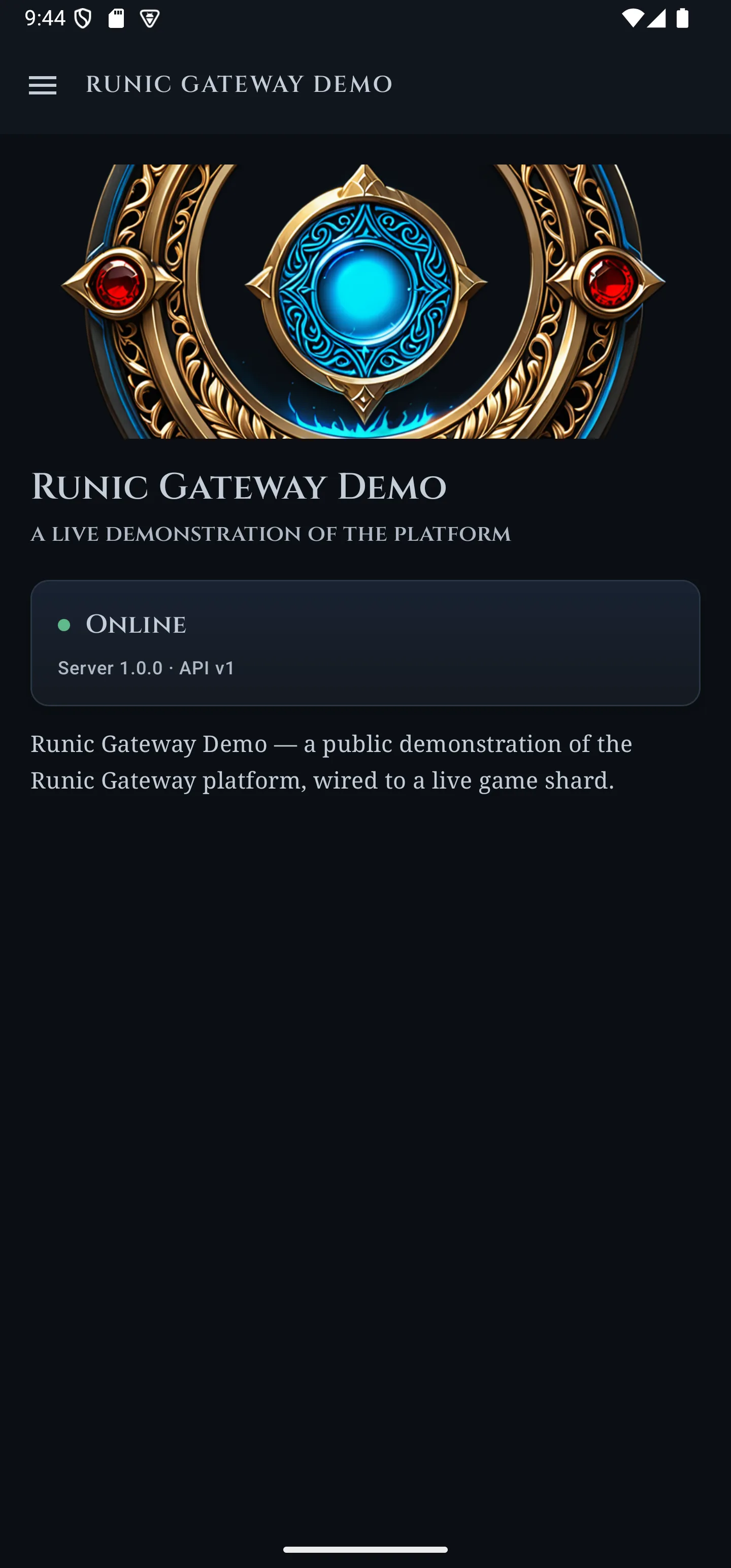
The app is one screen of setup: type the address of a site, and it becomes that community's app.
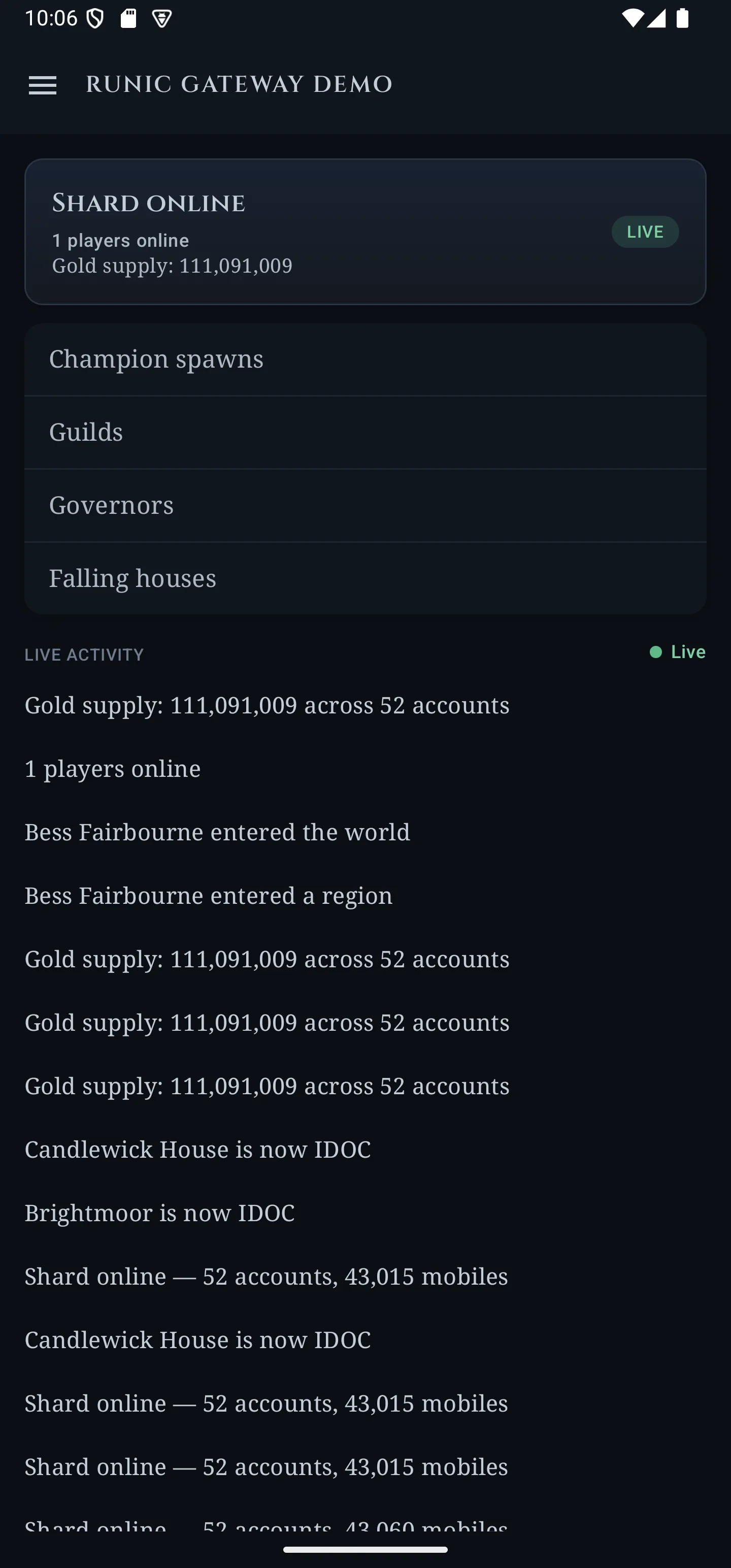
The same bridge feeds the phone: the same player online, and an activity list that is live — those houses entered their final decay stage while it was open.
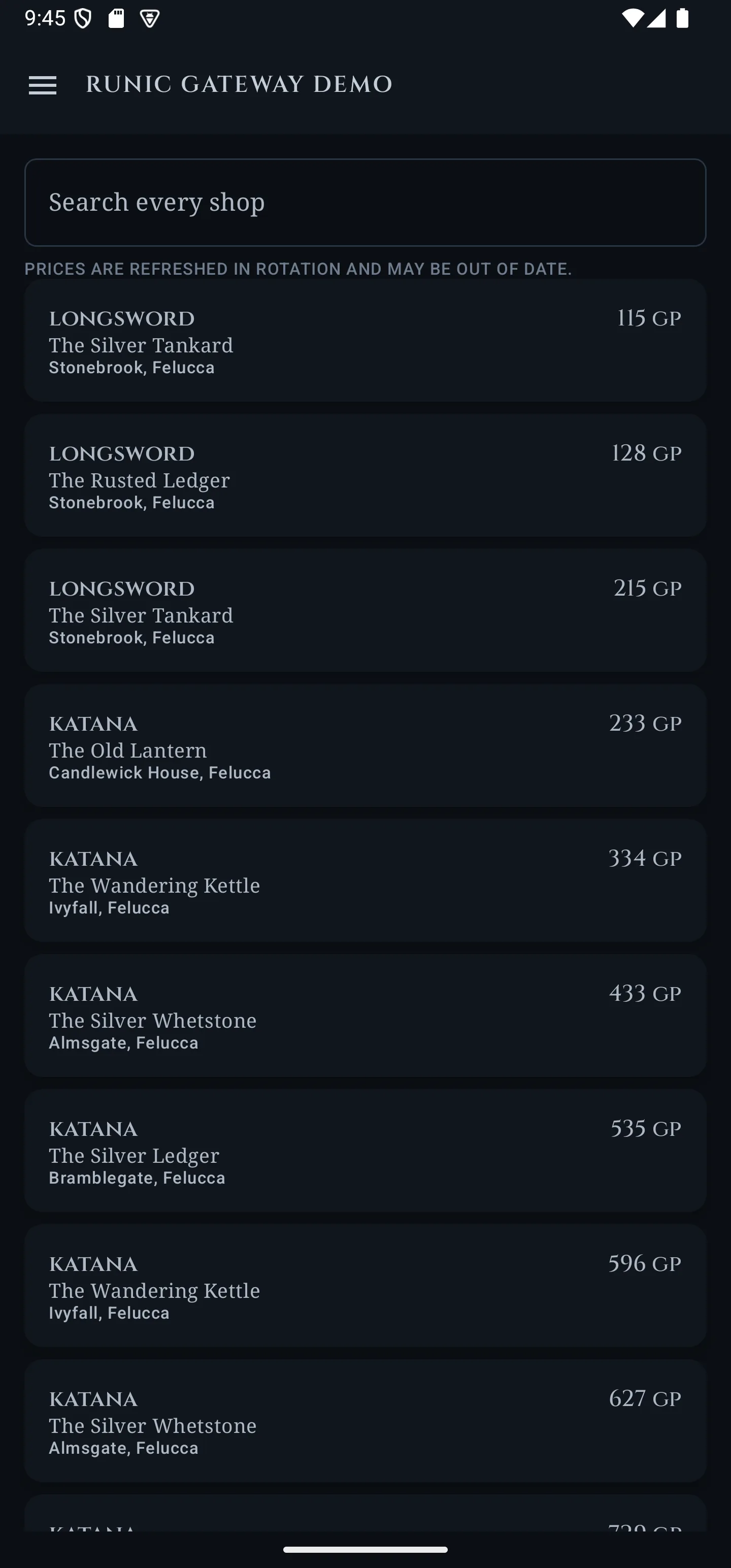
Every player vendor on the shard, searchable from a phone.
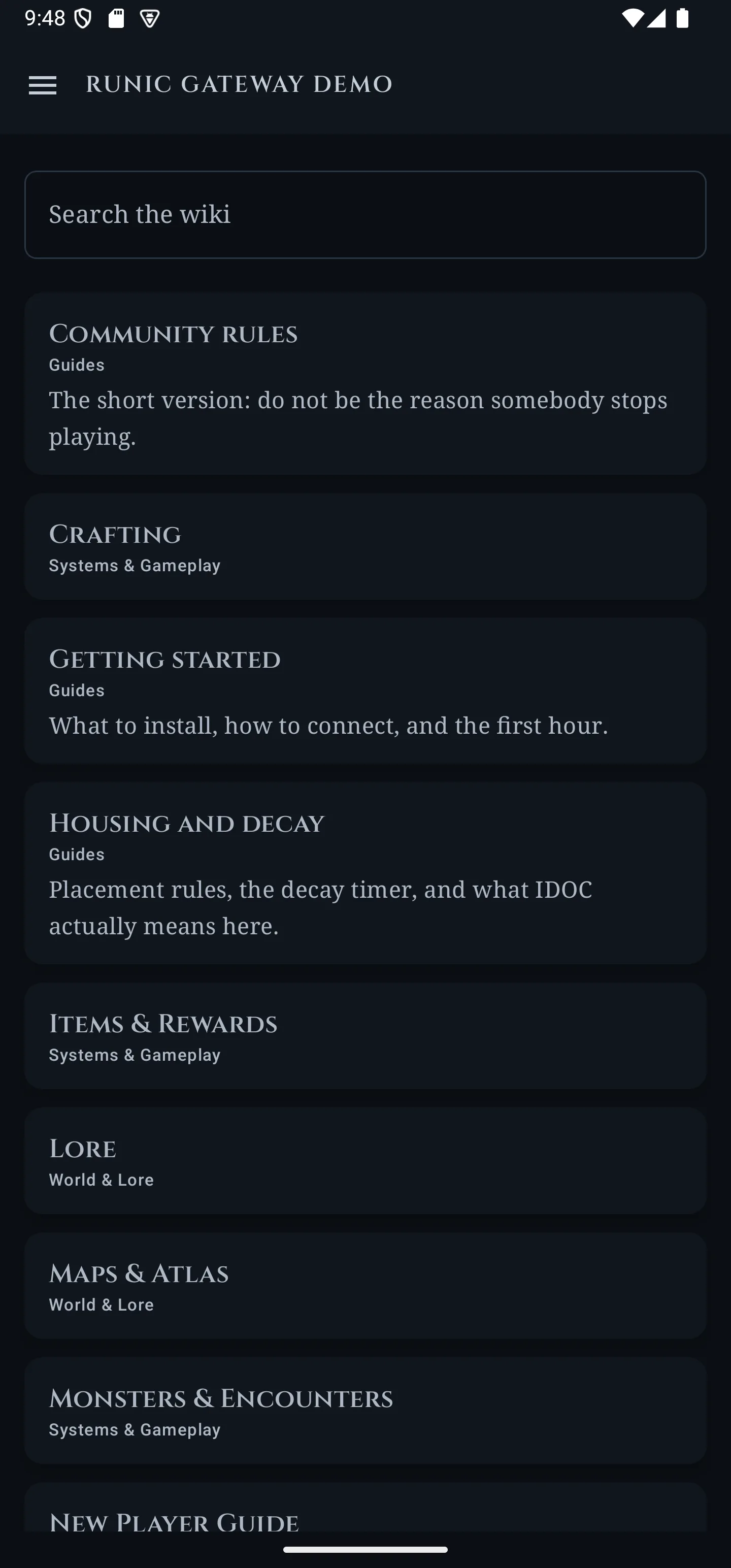
The wiki, the news and the rules are the site's own content, rendered natively rather than in a web view.
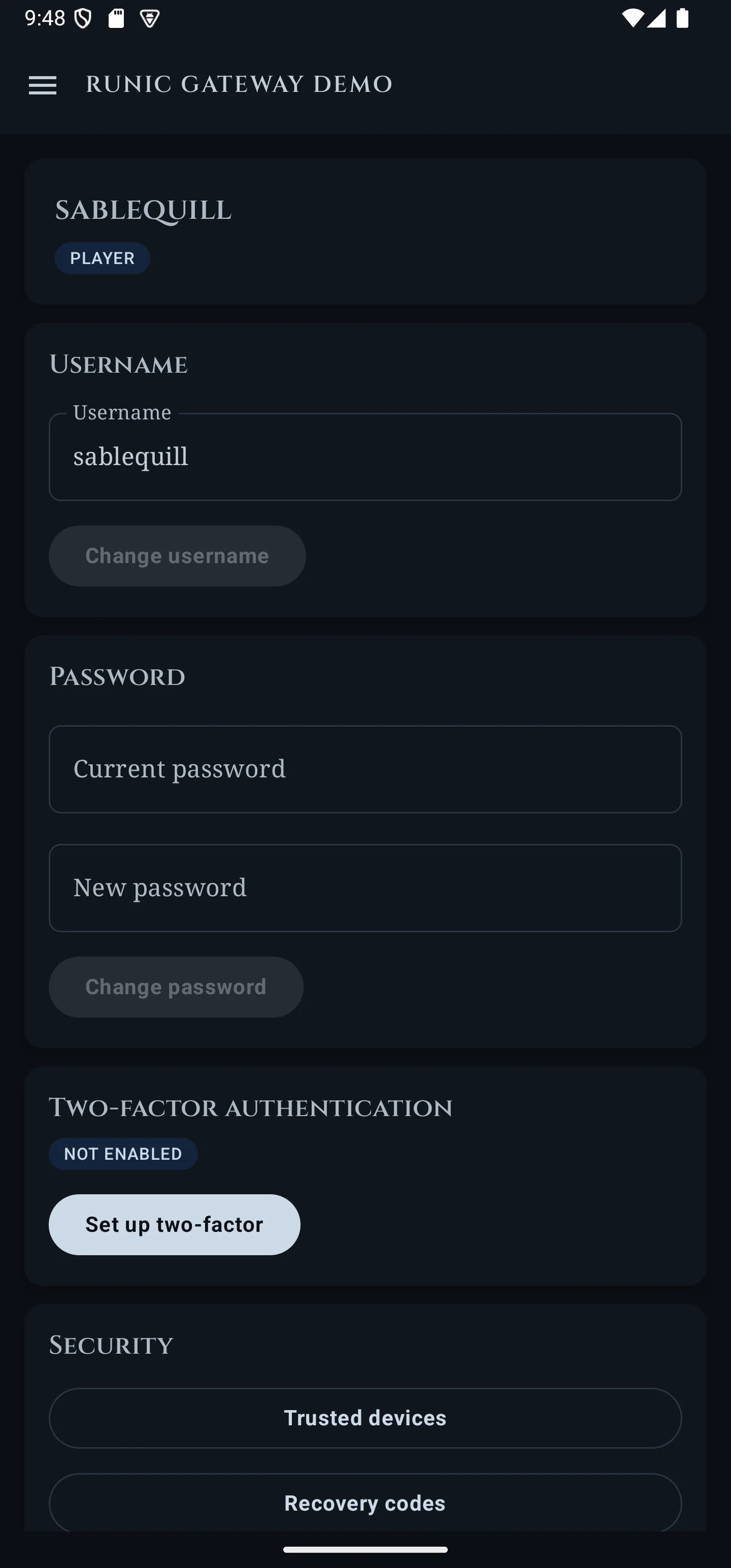
Self-service, and the same session model as the website: two-factor, trusted devices and recovery codes all live here.
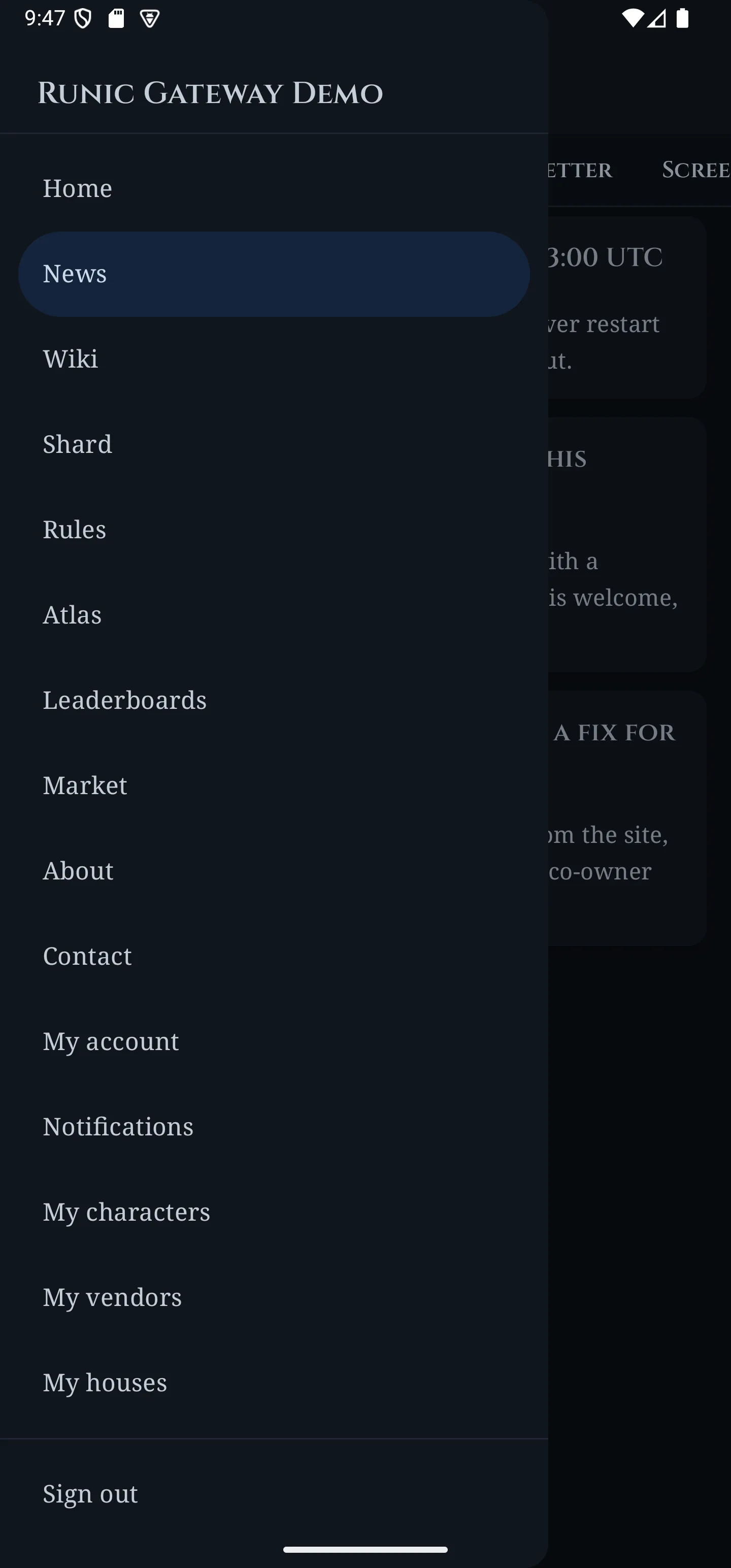
The drawer is the deployment's own navigation, not a fixed menu — a site that renames or reorders its pages renames and reorders them here.
Two ways to get it
Neither is the “real” one. Sideloading works today and always will; the closed test is how it reaches a phone through Play, with updates that install themselves.
Direct download
The signed APK
The published build is being replaced. v0.5.0 is on the releases page but does not install and run correctly, so this page does not link it — a download that wastes your time is worse than no download.
The next release restores this. Nothing about the app has been withdrawn and the source has not moved; it is one build that went out wrong.
Android 10 or newer · installs as com.runicgateway.app
Google Play
The closed beta
Delivery through Play, and updates that arrive on their own instead of being downloaded again. It is a closed test, so a place on it has to be granted — the list is being collected now.
It has not opened yet, and the page says why in full rather than promising a date: Play needs 12 people opted in for 14 days before the app can go any further, and a tester needs somewhere to point it.
No email is ever sent · the address is used for the tester list and nothing else
Not built
What the app does not do
Every one of these is a decision rather than a backlog item, so each says why. Where the reasoning was written down in the open, it is linked.
A public demo you can click through
Planned and out of scope today: a virtual machine running the whole stack including a game server, with settings locked down and an hourly reset. Until it exists this site does not link to one, and there is no screenshot here of something that is not running somewhere.
What would change itThe machine being stood up. The site is already built to gain it by way of one line in a configuration file, rather than a rebuild.
An iOS app
Android only. There is no iOS build, no cross-platform layer waiting to grow one, and no work in progress — the app is native Kotlin and Compose, so a second platform would be a second app rather than another build target.
What would change itNothing planned. A deployment is a website first, and that works on any phone.
A listing on Google Play
The app is not published. A developer account exists; the closed test is the next step, and production access cannot even be requested until a run of testers has been opted in continuously — which is what the beta is for, and why the beta is not a formality.
What would change itThe closed test running its course, and then a production review.
Reading anything offline
Every screen is a live read against the deployment. Nothing is cached for offline use, so the app with no signal is an app with no content.
What would change itSomebody asking for it. Nobody has.